A great CV is
only the start.
Technology recruitment CRM for specialist skills, client briefs and contract or permanent hiring. Keep the conversation behind the placement.
- Candidate relationships
- Contract + permanent
- Placement reporting
Real interface. Fictional example. Your setup is agreed with you.
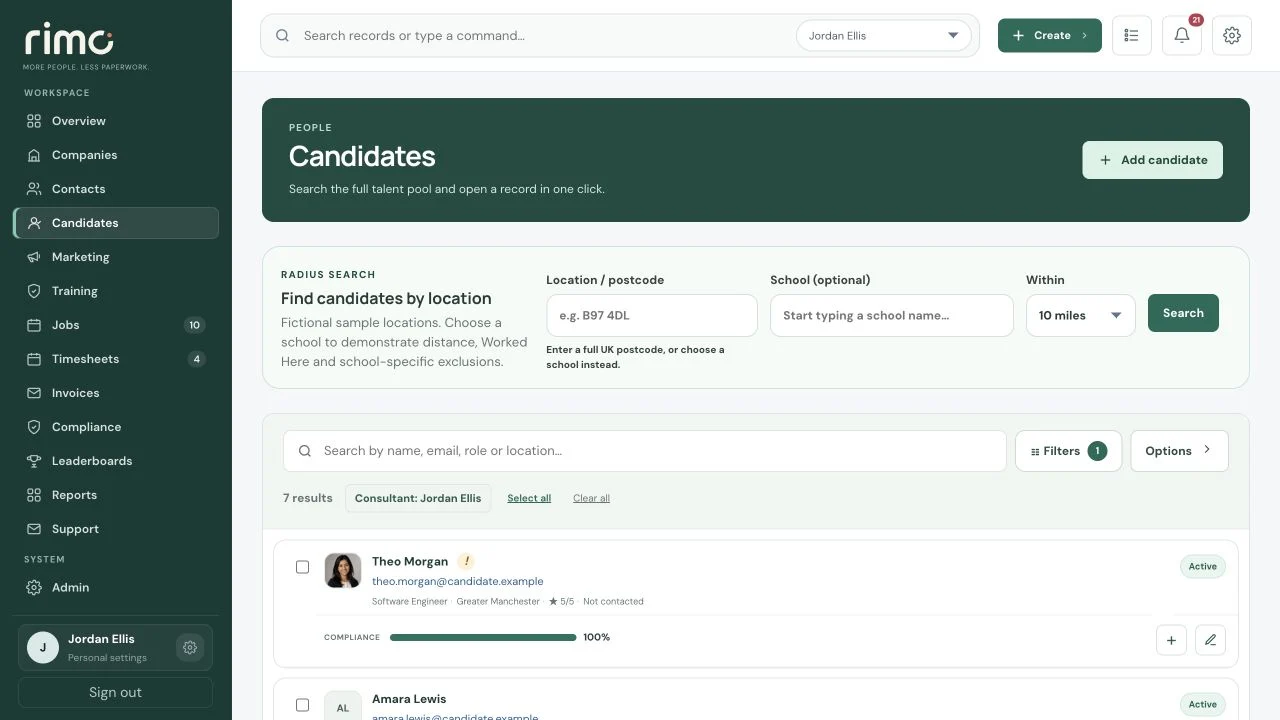
Product view · fictional demonstration data
A technical brief.
A human shortlist.
See where each vacancy and candidate sits, what happened last and what needs to happen next.
- 01
Live role
Capture the brief
- 02
Shortlist
Build the candidate view
- 03
Submitted
Keep ownership clear
- 04
Interview
Connect the feedback
- 05
Offer
Track the decision
- 06
Placement
Retain the relationship
Remember the conversation.
Not just the stack.
Candidate records combine work preferences and commercial information with notes, tasks, communication and placement activity.
- Skills and role preferences
- CV and documents
- Salary or day-rate context
- Availability and location preferences
- Remote, hybrid or on-site notes
- Consultant ownership
- Activity and next actions
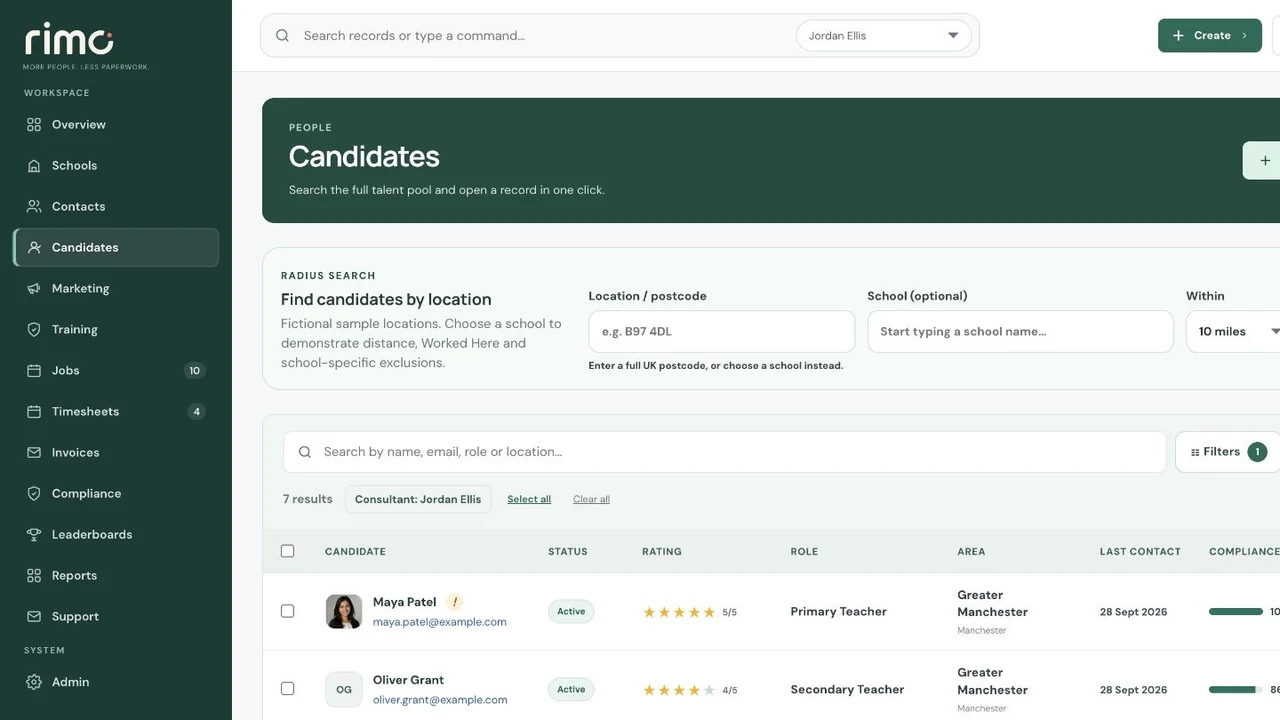
Product view · fictional demonstration data
Contract or permanent.
Keep the whole picture.
Run vacancy-led permanent recruitment alongside contract assignments, with permissions and dashboards that match each role.
Permanent
Vacancy ownership
Candidate submissions
Interviews and offers
Placement fees
Contract
Assignments
Timesheet approvals
Contract margin
Client invoicing
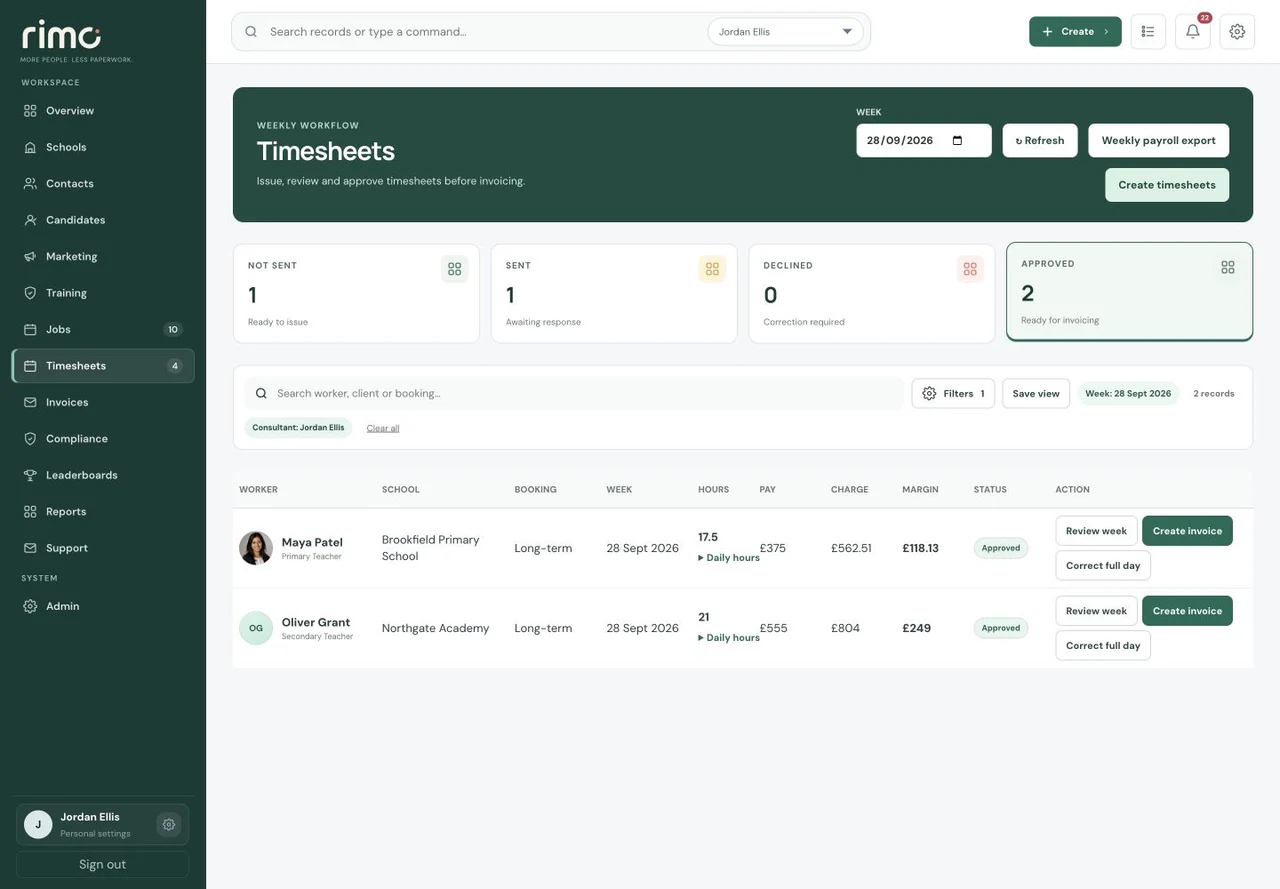
Product view · fictional demonstration data
Your market.
Your way of working.
We prepare your workspace around desk structure, permissions, dashboards, branding and supported Microsoft 365 connections.
Explore managed implementationOwnership, searches, tasks, candidate relationships and vacancy pipelines.
Margin, KPIs, consultant breakdowns, forecasts and operational attention.
Connected onboarding, assignments, approvals, invoices and audit history.
Good brief?
Start a conversation.
Publish an existing Job or start with a standalone Advert. Keep incoming Applications and history if you later convert the Advert to a Job.
For Candidates already in your CRM, vacancy outreach offers a lighter response: “I’m interested”, with no new CV required. Interest returns to the consultant, separate from a formal Application.
Explore advertising and ApplicationsInterviews with context.
Follow-ups with an owner.
Schedule Client Interviews with date, time, interviewer and location or online details. Track status and outcome in the same workflow and Work View.
Timed CRM Tasks can create reminders in the responsible consultant’s own connected Outlook Calendar, with individual consent.
Explore Client InterviewsBring the technical brief.
Explore your contract and permanent recruitment workflows.