Moving CRM is a big job.
Let’s not pretend otherwise.
Start with the data, the work and the people. Agree the scope, check the move and give your team a clear next step.
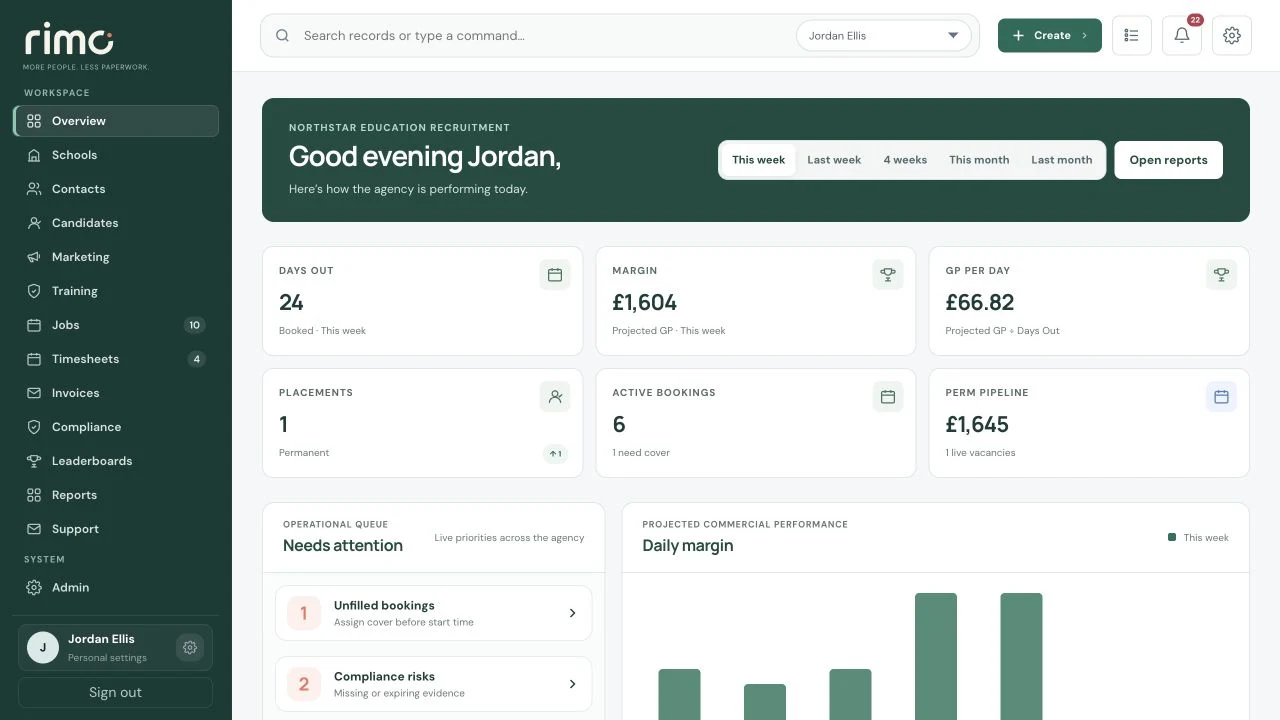
Product view · fictional demonstration data
Configured, validated and introduced to your team.
A move with a map.
The work is sequenced around your source data, operating model and team. Scope and responsibilities are agreed before launch.
There is no universal migration timetable. Data quality, scope, external access and agency decisions shape the plan agreed after discovery.
- 01Understand
Discovery
Map your sectors, people and the way candidates, clients and work move through the agency.
- 02Assess
Data review
Review exports, structure, quality and available records. Agree what can be brought across.
- 03Shape
Configuration
Prepare supported terminology, compliance, workflows, branding, reporting and connections.
- 04Move
Migration
Map and prepare the agreed record scope from your source system for the new workspace.
- 05Check
Validation
Review the imported data and test the recruitment journeys your team will use.
- 06Enable
User setup
Prepare roles, access, enabled modules and management scope before inviting users.
- 07Learn
Training
Introduce the configured system through the screens and workflows relevant to each role.
- 08Go live
Launch
Move into live use against the agreed handover plan and readiness checks.
- 09Continue
Support
Work with the Rimo team as your agency settles into the configured workspace.
Keep what your team knows.
The exact migration is defined by the source system, available exports and data quality. Here is what we work through together.
Candidates
Review available candidate records, map agreed fields and check quality and duplicates before the supported import is confirmed.
Clients & contacts
Agree which client and contact records are needed, their structure, and how relationships and ownership should be represented.
Compliance records
Review relevant records alongside checks, groups, evidence, dates and review cycles. Supported scope is agreed for the new model.
Terminology & workflows
Retain supported agency language and shape the new candidate, client, placement and commercial journeys around agreed operating rules.
People & access
Prepare users, roles, modules and management permissions. Train each team on the work they will actually do.
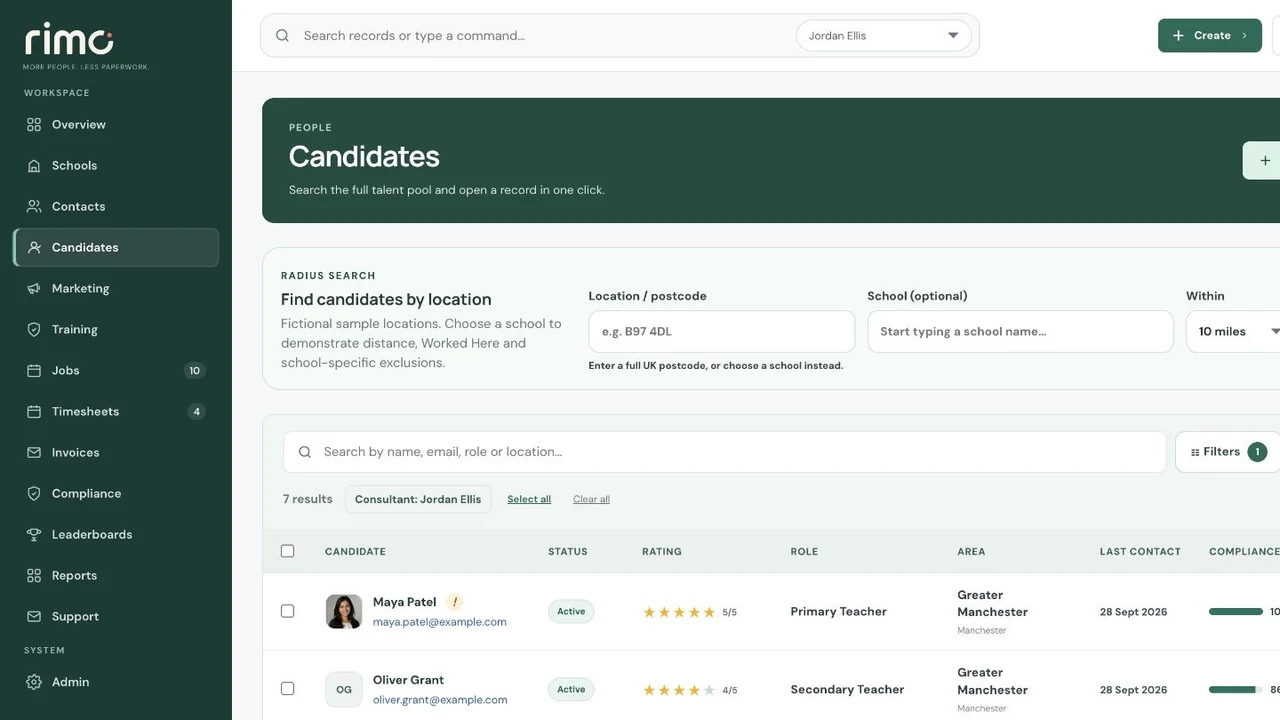
Product view · fictional demonstration data
New home.
Familiar connections.
Microsoft 365 is configured for your organisation, authorised users and supported shared mailboxes. Permissions and routing are prepared for the new workspace, then delivery is tested before launch.
- Organisation-level Microsoft connection
- Authorised users and mailbox routing
- Recruitment email and separate system notifications
Ask the awkward questions now.
Can data be migrated from our current CRM?
A supported migration scope is agreed after reviewing the source data, available exports, structure and quality. Not every historic field or attachment is promised automatically.
Can our terminology be retained?
Supported terminology and workspace labels can be configured during implementation after the agency operating model is reviewed.
Will our compliance process have to change?
The existing process is reviewed, but the final setup must also fit the supported Rimo evidence, review and document model. Any required change should be agreed before launch.
How are users trained?
Training is focused on the views and workflows relevant to each role within the configured workspace.
How long will switching take?
Timing depends on scope, data, external access and customer decisions. A realistic plan should be agreed after discovery rather than promised as a universal number.
Tell us where you are.
Show us where you want to go.
We’ll focus on the data, workflows, people and practical questions that shape your switch.