Good conversations.
Context included.
Recruitment communications and branded portals. An opportunity, a reply, the next step—without losing the thread.

Product view · fictional demonstration data
One useful
little reply.
Teaching Assistant
Brookfield Primary · Monday to Friday
A consultant has shared this opportunity with Sam.
No CV. No new Application.
Over to Sam.
Try the reply. See the consultant’s side of the conversation.
Local example only. No message or email is sent. In the product, interest returns to the consultant in the CRM and by notification email.
The detail, when you need it
A vacancy. A useful conversation.
Send vacancy outreach to selected Candidates. They receive the opportunity by email and can see it in their Candidate Portal, then choose “I’m interested” without submitting another CV.
Interest reaches the consultant
Responses return to the CRM and notify the consultant by email. Interest is separate from a formal Application; closed or filled opportunities no longer accept interest.
More than an inbox
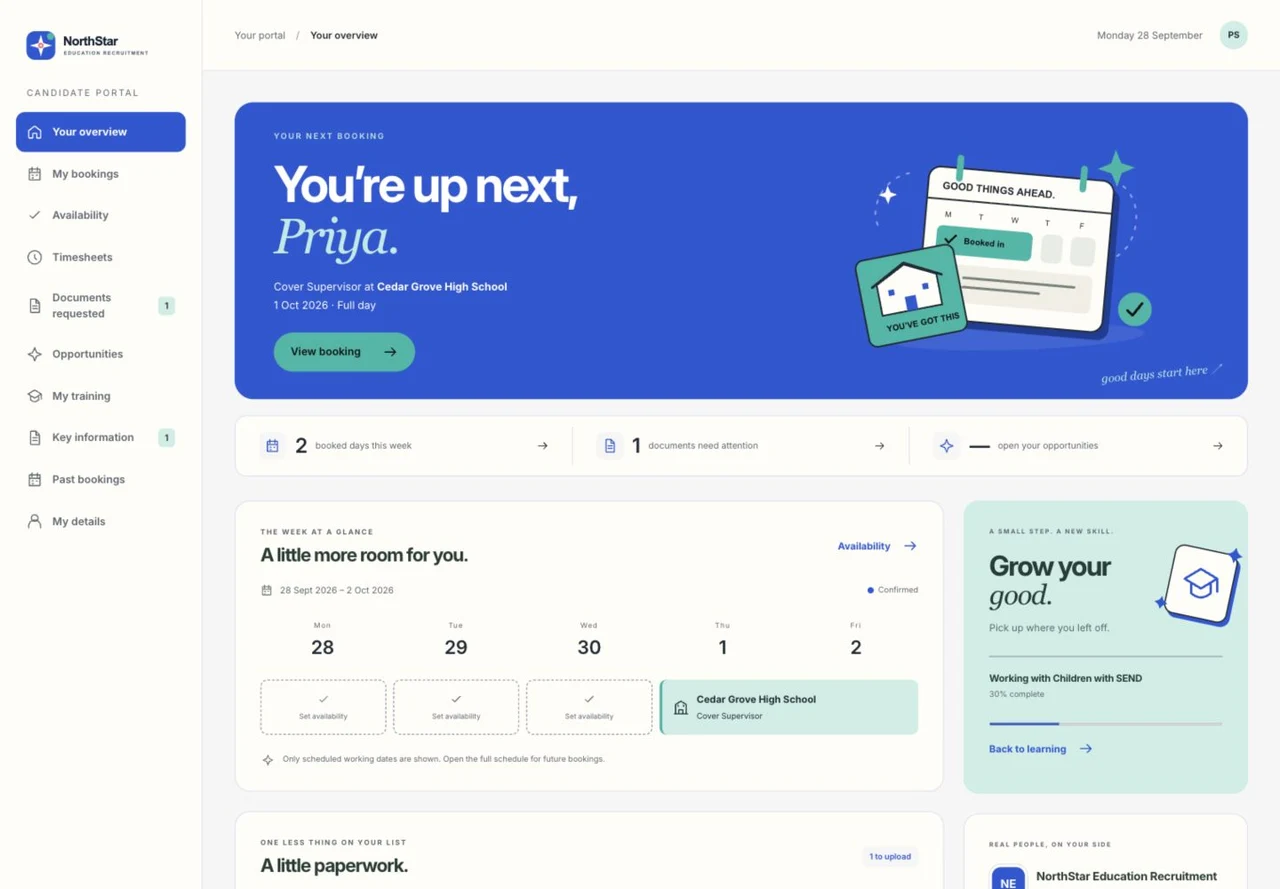
Branded Candidate and Client Portals also connect onboarding, evidence, learning, availability, bookings, Timesheets and approvals.
Your agency, recognisably
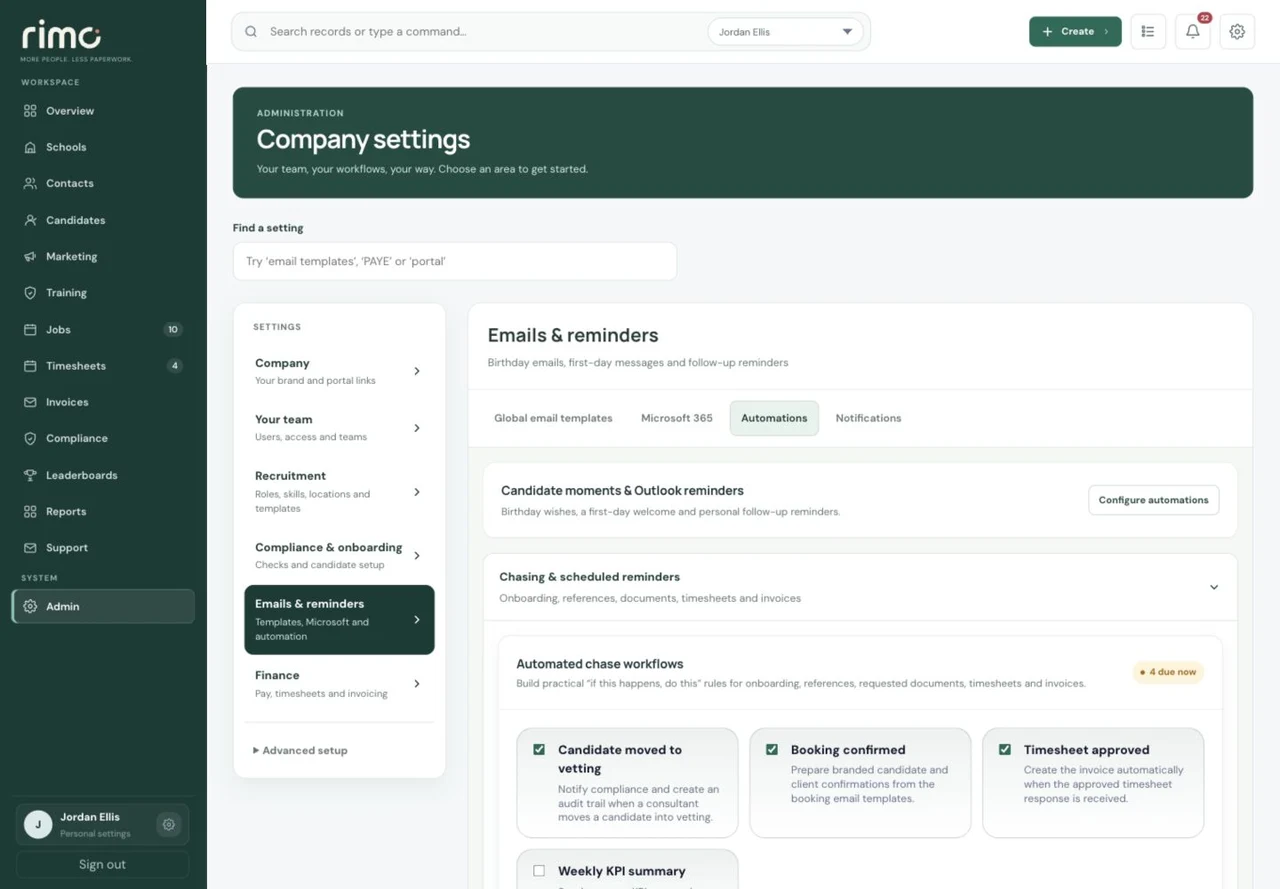
Keep supported Microsoft 365 email, templates and personal signatures connected to the recruitment record.
Product view · fictional demonstration data
The thoughtful bits. Still personal.
Outlook follow-up reminders
Timed CRM Tasks can sync to the responsible consultant’s own connected Outlook Calendar and update when the Task changes. Each user consents to their own calendar; this is not unrestricted organisation-wide access or two-way calendar sync.
Candidate birthdays
Enable a birthday message from the Candidate’s assigned consultant’s verified personal Microsoft mailbox.
The first working day
Send a first-day message from the Booking’s assigned consultant for confirmed, cleared work. Cancelled or uncleared work does not trigger it.
Automations are configurable and require the relevant setup. If the assigned consultant has no eligible verified mailbox, the message remains unsent—there is no shared-mailbox fallback.
Product view · fictional demonstration data
Candidate Portal.
Client Portal.
- For Candidates
- Onboarding, evidence requests, learning, availability, bookings and Timesheets in the agency’s branded portal. Vacancy outreach interest needs no new CV.
- For Clients
- A separate branded client experience for the relevant work, Timesheets and approvals. Candidate private evidence is not a client-facing staffing document.
- For the consultant
- Supported Microsoft 365 communication, personal signatures and templates keep the relationship connected to the recruitment record.
Keep the conversation going.
See the consultant, Candidate and Client sides of the same working day.